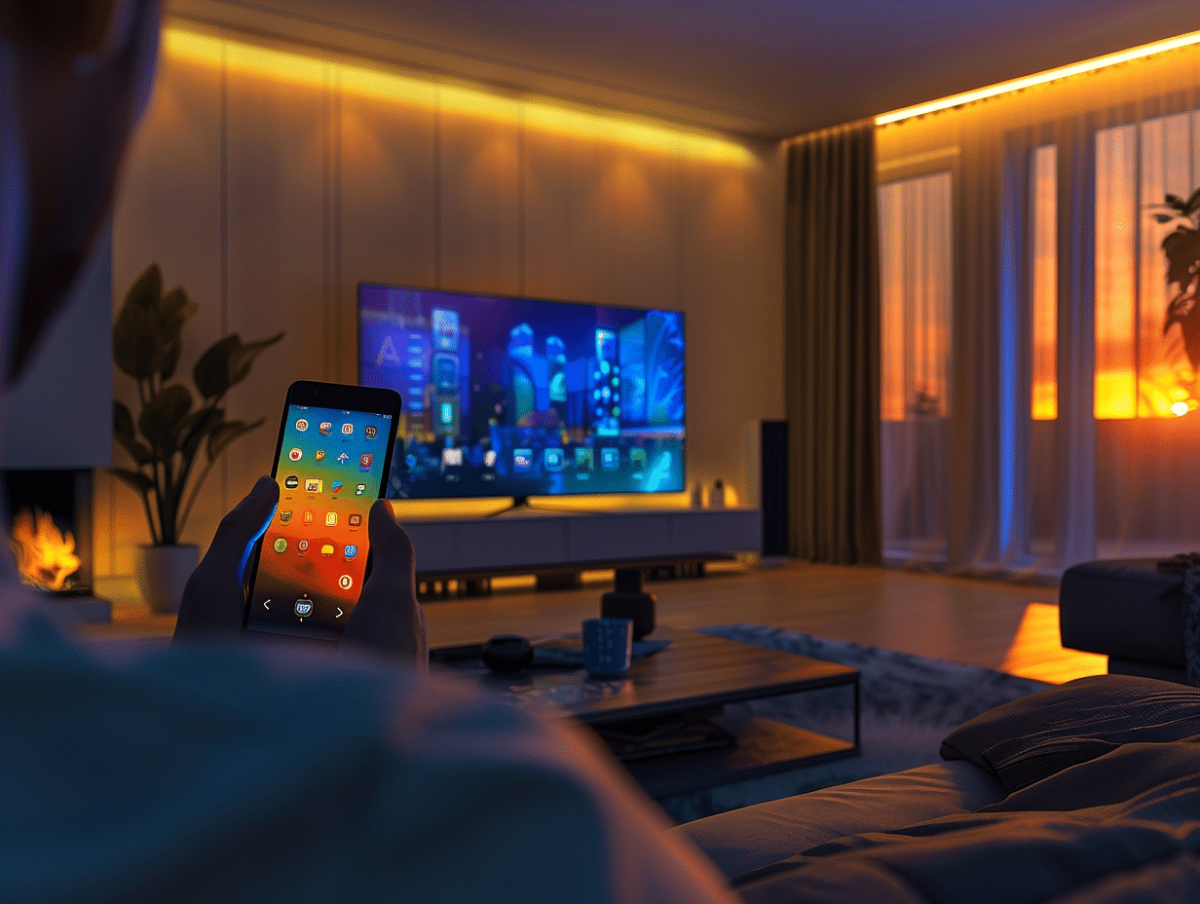
In the age of all things digital, where connected devices proliferate in our homes, centralizing control has become a sought-after convenience. Smartphones, the true Swiss Army knives of technology, now offer the possibility of becoming universal remotes. This feature is a boon for those looking to simplify the management of their multimedia devices. Numerous applications compete in the market, promising to transform our phones into masters of home automation. Exploring the best of them reveals how to optimize interaction with our devices and make the most of this technological convergence.
The best apps to turn your smartphone into a universal remote
In the ocean of available applications, some stand out for their efficiency and versatility. Android TV Remote and Apple TV Remote are natural extensions of the Google and Apple ecosystems, offering an intuitive interface to manage devices from their respective brands. These applications allow for smooth and personalized control of services like Google TV or Apple TV, respectively.
For users with diverse devices, Mi Remote Controller presents itself as a robust solution. This app transcends the boundaries of a brand or operating system, supporting a plethora of devices, whether they are TVs, DVD players, or even DSLR cameras. Its compatibility with the IR Blaster LG, among others, makes it a valuable tool for smartphone owners equipped with an infrared emitter.
Anymote Smart Universal Remote also asserts itself as an essential player. With its ability to connect to a multitude of devices via WiFi or IR, this app transforms your smartphone into a true command center. The customization of buttons and activities makes Anymote a tailor-made remote, suited to all needs.
ZaZa Remote stands out for its practicality and extensive database of supported devices. It adapts to an impressive variety of brands and models, making it a versatile option for those looking to minimize the number of remotes in their living room. Ease of use and quick setup are the key words for ZaZa Remote, which aims to be accessible even for the less tech-savvy.
Practical tips and compatibility of universal remote apps
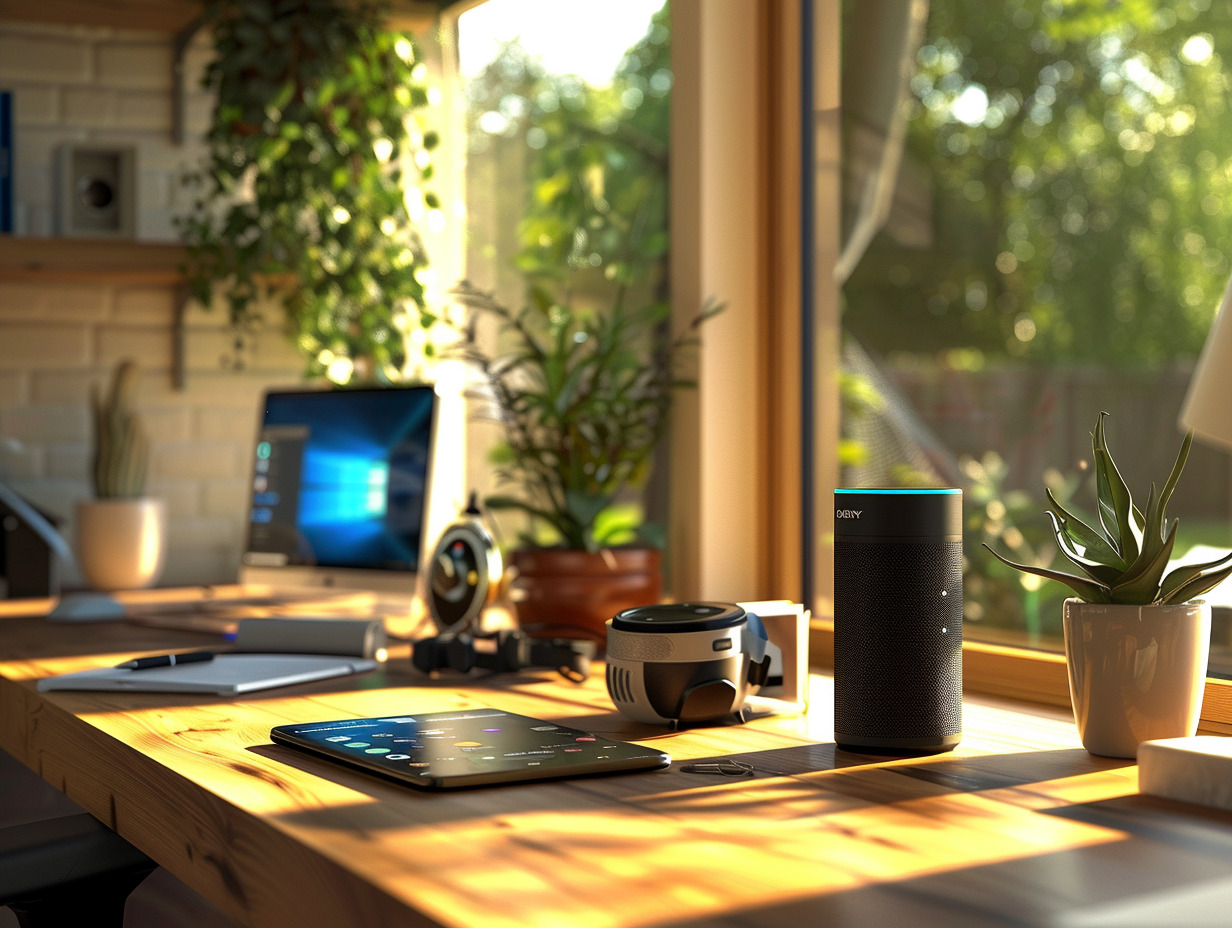
For your smartphone to become an effective controller for your electronic devices, one prerequisite is necessary: connection to the same WiFi network. Indeed, TVs and other devices must share this connection with your mobile to respond to its commands. Google and Apple facilitate access to operating systems for TVs with their respective apps, Google Home and Apple TV Remote, allowing for direct and convenient control of Google TV, Android TV, or Apple TV.
The compatibility of universal remote apps can vary depending on the smartphone’s operating system. Android or iOS users will find in the Play Store or App Store a selection of apps suited to their environment. Google Home for Android and Apple TV Remote for iOS are eloquent examples of this integration between mobile device and television screen.
Internet service providers also offer their own solutions. Apps like Freebox, SFR TV, or B. tv are free and available on Android and iOS, allowing you to control the Internet box or TV decoder from your smartphone. These apps enhance the user experience by providing dedicated interfaces for browsing and managing multimedia content.
Be sure to check for specific technologies such as Chromecast, for optimal compatibility with certain remote apps. Mastering these technical details ensures a seamless remote control experience, transforming your smartphone into a powerful and versatile universal remote.