
The ENT of the University of Paris-Panthéon-Assas brings together several digital services, including the consultation of exam results and the downloading of transcripts. Two distinct areas coexist on the portal: the display of semester grades and the issuance of official transcripts, hosted on a separate institutional page. Understanding this architecture avoids unnecessary back-and-forth between sections, especially during the results publication period when traffic on the platform significantly increases.
Provisional transcript and official transcript on ENT Assas: two documents, two processes
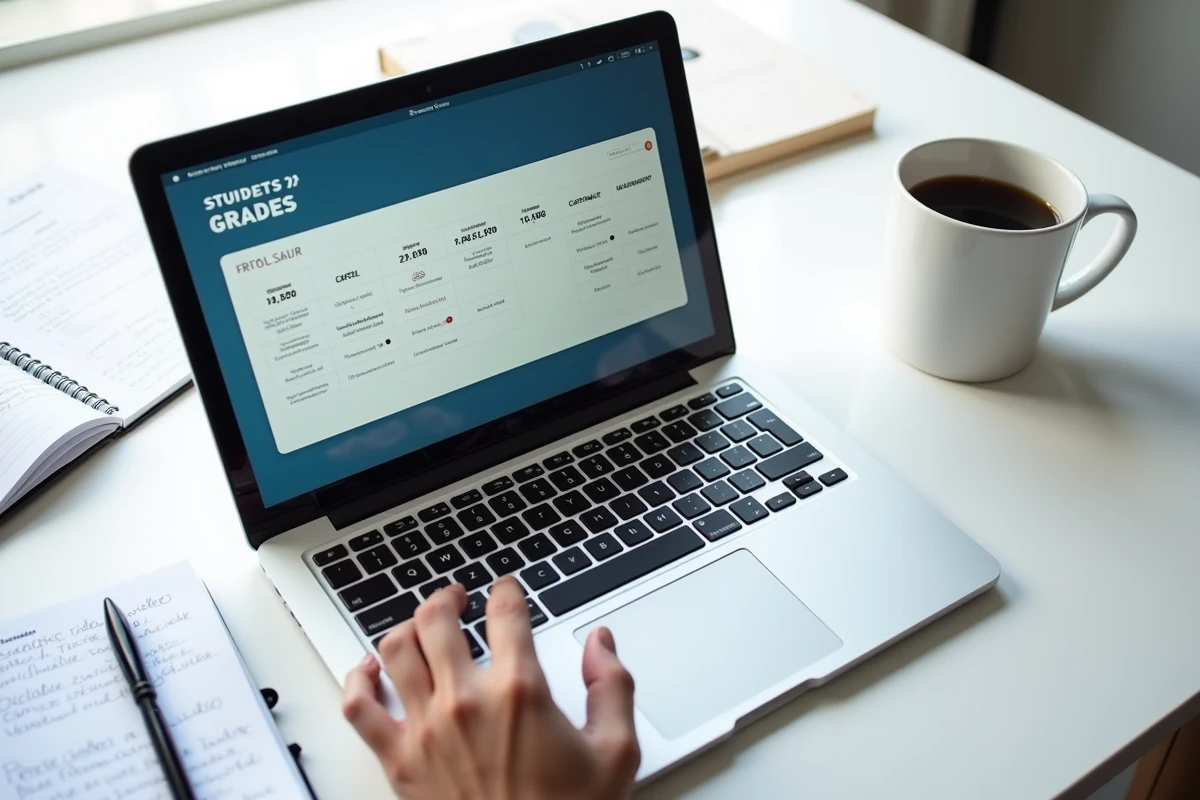
The most common confusion among Assas students concerns the very nature of the document being consulted. The ENT portal first displays provisional results by subject, visible as soon as the corrections are completed. These results appear in the personal space, categorized by teaching unit.
The official transcript, on the other hand, is accessed through a distinct institutional page hosted on the university’s website (section “Transcripts and diplomas”). This document bears a digital stamp and serves as proof for applications, particularly via the Emundus platform used by Assas for its dematerialized procedures.
| Criterion | Provisional Results (ENT) | Official Transcript (institutional site) |
|---|---|---|
| Access | ent.u-paris2.fr, personal space | “Transcripts and diplomas” page of the Assas site |
| Upload Delay | Several days after the juries | Several weeks after final validation |
| Administrative Value | Indicative, not certified | Official document usable in applications |
| Format | Online consultation only | Downloadable PDF |
A student who wishes to consult their transcripts on ENT Assas must therefore check whether they need a simple view of their results or a document that can be presented to a third party. The two are not found in the same place.

ENT Assas Authentication: the bottleneck related to account migration
The transition of the student messaging system for recent enrollees has removed the old domain etudiant.u-paris2.fr. The identifiers that relied on this address no longer work on the ENT portal. This change has generated a wave of access blocks, particularly during the first consultations of grades after the migration.
The current identifier corresponds to the full email address assigned during administrative registration. The password is the one defined at the time of account activation. In case of loss, the recovery procedure goes through the university’s help center, not through the generic reset form.
Checks to make before contacting support
- Confirm that the address used corresponds to the new email format (and not the old domain that has been discontinued)
- Test the connection from a browser in private browsing mode to rule out a cache or cookie issue
- Ensure that the administrative registration for the current year is finalized, as an incomplete file blocks access to the ENT
The university has set up a direct contact channel for technical issues related to digital files. This enhanced coordination between academic services and digital support reduces processing times compared to previous years.
Digital transcripts and applications: the growing role of the official PDF
The digitization of procedures at Assas is not limited to the consultation of grades. Transcripts downloaded from the institutional site now serve as official documents in dematerialized applications, without going through a paper counter. The Emundus platform, used by the university to manage master’s applications and certain programs, directly accepts these PDFs.
This evolution changes the timing of consultations. Where a student once logged into the ENT solely to check their grades after exams, they now return to download their transcripts when preparing an application file, sometimes several months after the publication of results.
Access to transcripts for former students
Students who are no longer enrolled at Assas retain access to their transcripts via the dedicated institutional page. The procedure varies depending on the age of the degree. For a bachelor’s degree from the previous year, the transcript remains accessible online. For older degrees, a specific request to the academic office may be necessary.
Duplicate diplomas in case of loss or destruction follow a distinct procedure, detailed on the university’s website in the “Transcripts and diplomas” section.
Mon Assas App and mobile compatibility of the ENT
The Mon Assas app allows students to consult their results from a smartphone. The university has initiated a gradual overhaul of its digital services with a focus on mobile compatibility and the centralization of academic procedures.
The app replicates the functionalities of the ENT personal space. The login uses the same credentials as the web portal. However, downloading the official transcript in PDF is not always available from the mobile app: this operation remains more reliable via a desktop browser.
- Download Mon Assas from the App Store or Google Play
- Log in with the full university email address and ENT password
- Access the “Results” section to view grades by semester and by subject
- For the certified official transcript, switch to the institutional site via a browser
The distinction between results viewable on mobile and the official transcript downloadable from the site is the point that most students discover late, often when preparing an application file. Keeping this separation between the two digital spaces of Assas in mind helps avoid searching for a document in the wrong place.